
XAMPP 功能
全面解析全球最受欢迎的本地开发环境中的每个组件和功能。
Apache HTTP Server
XAMPP includes the industry-standard Apache HTTP Server, pre-configured and ready to run out of the box. Apache powers over 30% of all websites worldwide, and with XAMPP, you get the same robust server running locally on your machine.
- Start and stop Apache with a single click from the Control Panel
- Pre-configured with PHP and Perl module support
- Customizable httpd.conf for advanced virtual hosts and rewrites
- SSL/TLS support via OpenSSL for HTTPS testing
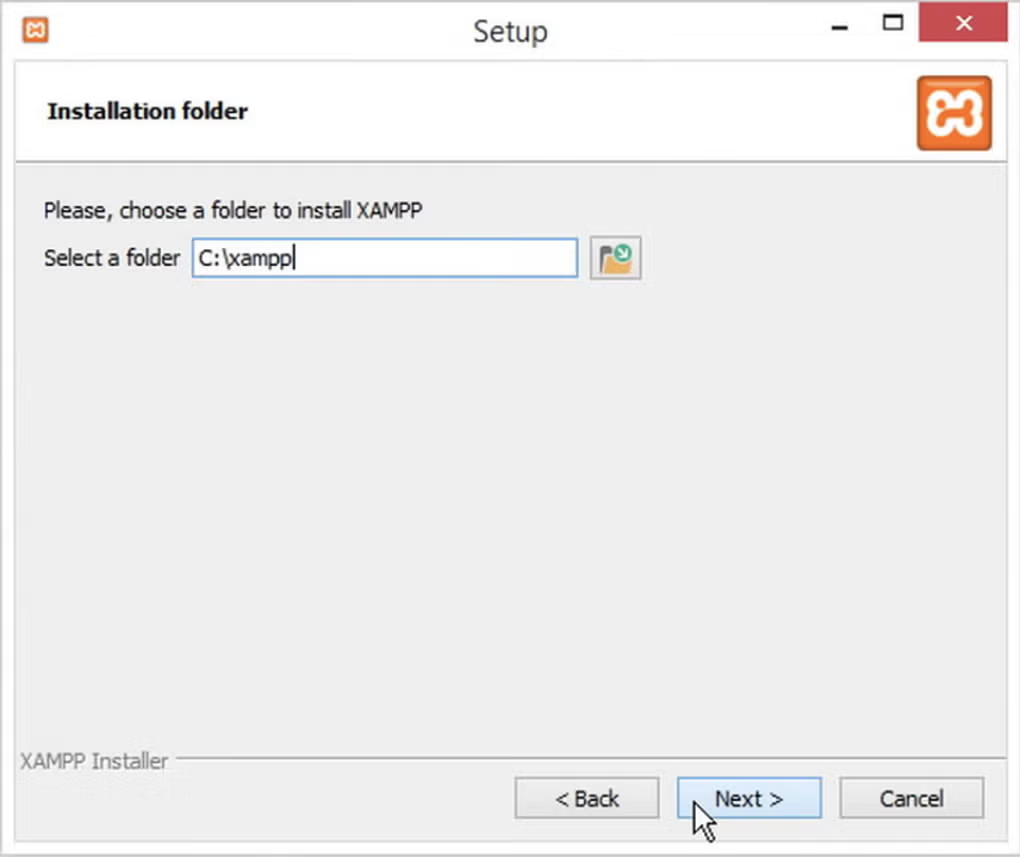
XAMPP on Windows - The main control panel with Apache service controls
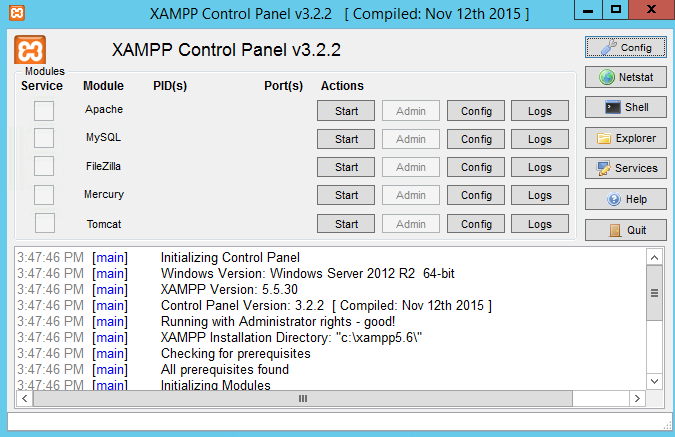
XAMPP Control Panel Interface - Managing Apache and MySQL services
MariaDB & phpMyAdmin
XAMPP ships with MariaDB, the community-developed fork of MySQL that ensures full compatibility while remaining completely open source. Paired with phpMyAdmin, you get a powerful web-based interface for managing databases without writing a single SQL command.
- Full MariaDB server with InnoDB and MyISAM storage engines
- phpMyAdmin for visual database creation, editing, and backup
- Import and export SQL dumps with one click
- User management and privilege configuration
PHP & Perl Support
XAMPP includes the latest stable PHP versions with comprehensive module support out of the box. Perl is also included for legacy applications, scripting tasks, and CGI-based development. Whether you are building modern PHP applications or maintaining older Perl scripts, XAMPP has you covered.
- Multiple PHP versions selectable per project
- Pre-loaded extensions: GD, cURL, mbstring, OpenSSL, ZIP, and more
- Perl with CPAN module support for legacy systems
- Full php.ini customization for development and debugging
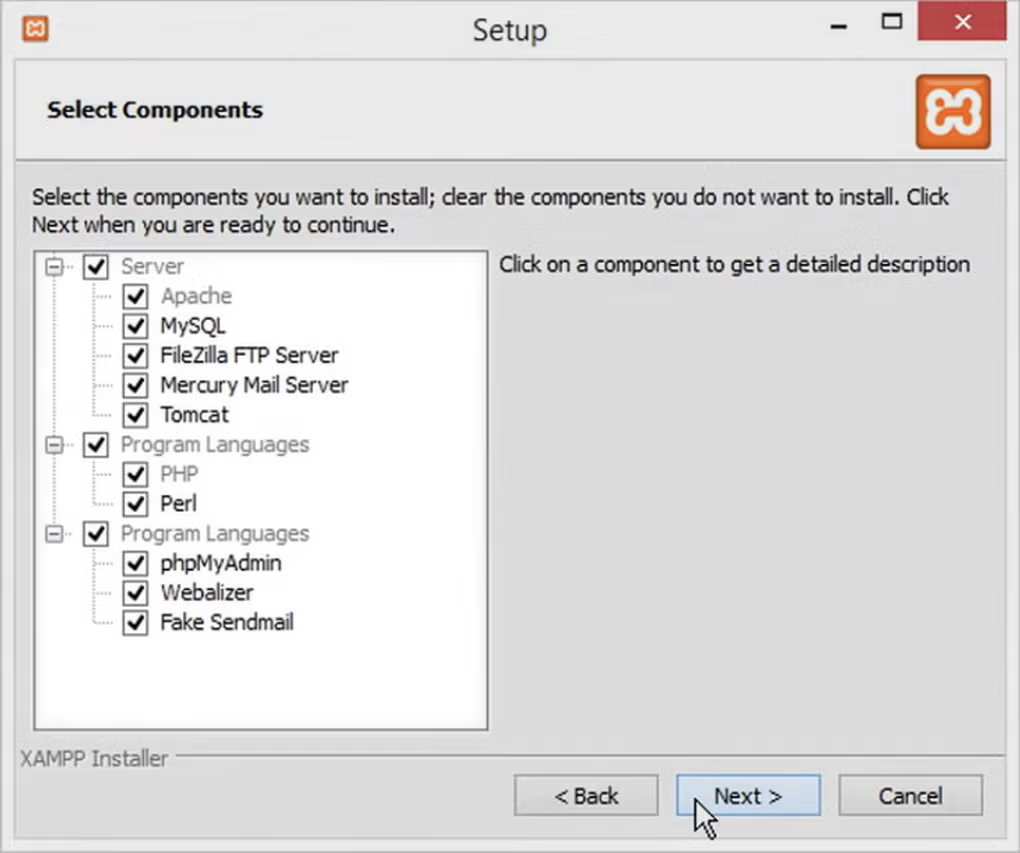
XAMPP on Windows - Service manager with PHP and Perl configuration options
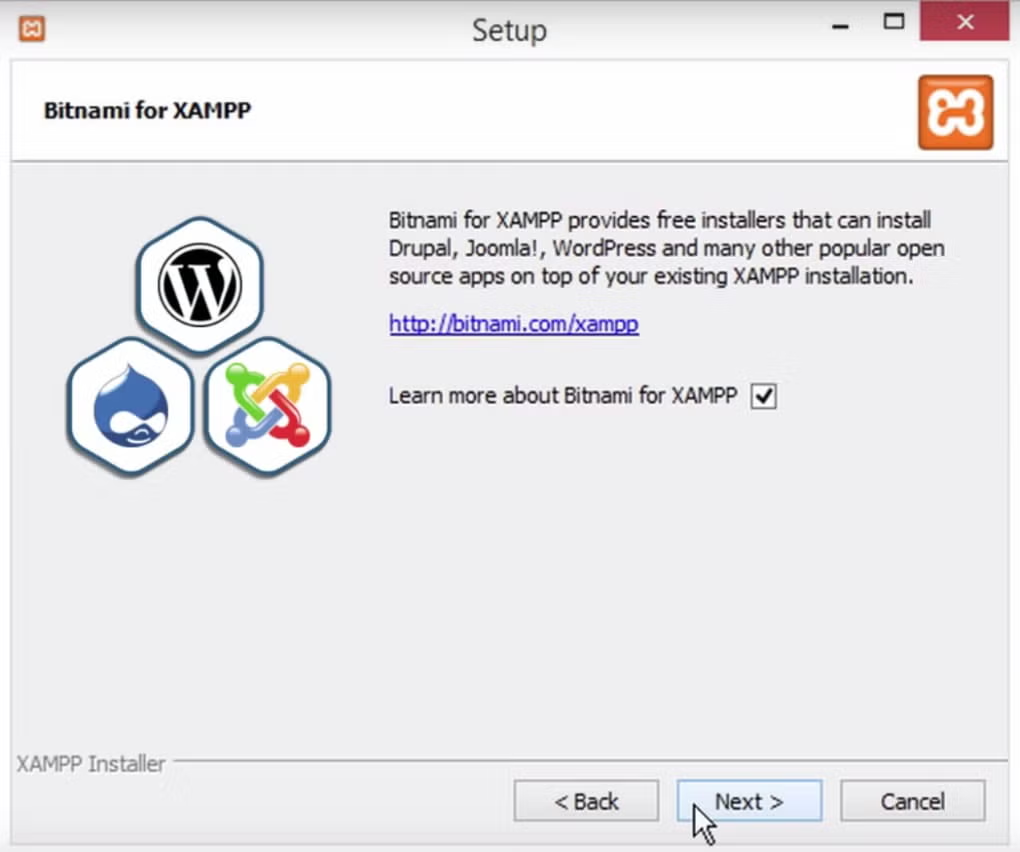
XAMPP Complete Interface Overview - Full local server environment with all services
FileZilla FTP, Tomcat & OpenSSL
Beyond the core stack, XAMPP bundles additional tools that make local development and testing even more powerful. Transfer files via FTP, run Java servlets with Tomcat, and test secure HTTPS connections with OpenSSL - all from one unified package.
- FileZilla FTP Server for local file transfer simulation
- Apache Tomcat for Java servlet and JSP development
- OpenSSL for HTTPS and certificate testing
- Mercury Mail Transport System for email testing
Intuitive Control Panel
The XAMPP Control Panel is the heart of the experience. Start and stop services, view real-time logs, configure ports, and access administrative tools - all from one clean, easy-to-understand interface. No command line required.
- One-click start/stop for every service
- Real-time log output for debugging startup issues
- Quick-access buttons to Config, Admin, and Shell
- Port configuration to resolve conflicts with other software
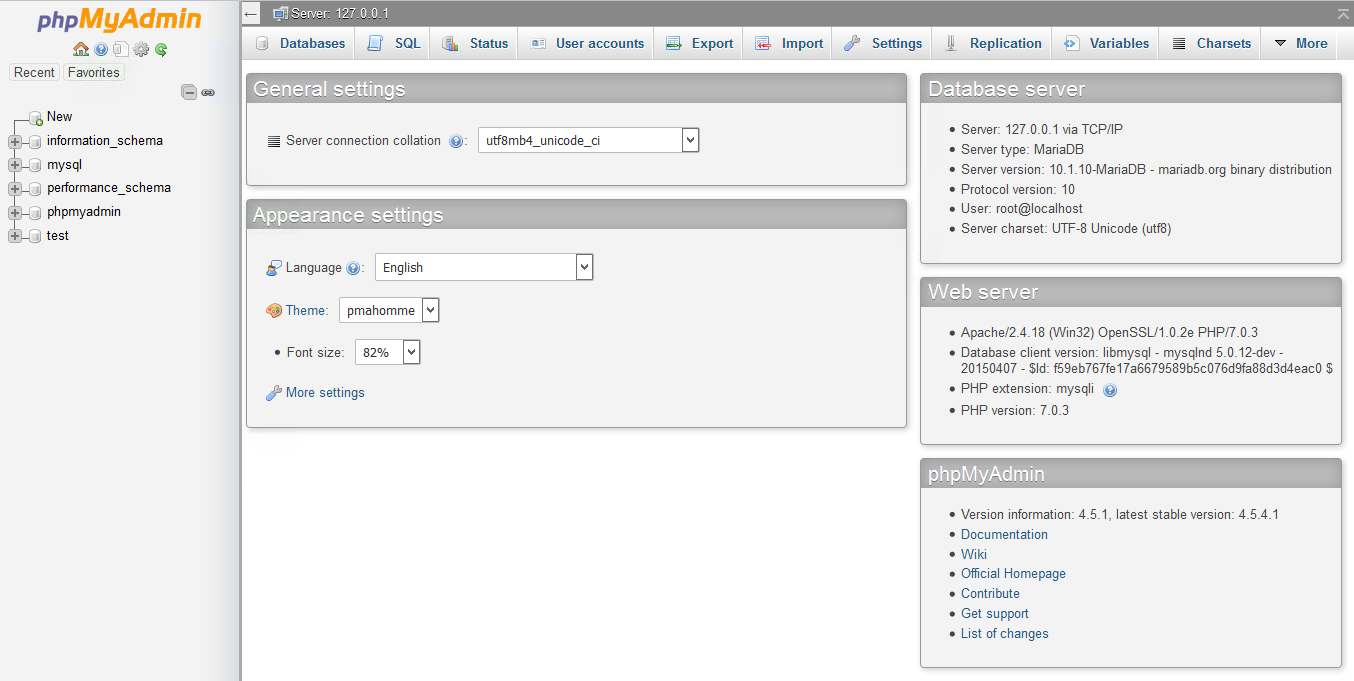
XAMPP Screenshot Dashboard - Complete overview of running services and logs
跨平台兼容性
XAMPP runs natively on all major operating systems with the same consistent interface and feature set.
Windows
Full installer with Control Panel. Compatible with Windows 10 and 11.
Linux
Tar.gz package for all major distributions. Command-line and GUI options.
Mac OS X
Native macOS DMG installer with full Apple Silicon support.
Solaris
Enterprise-grade Solaris support for professional environments.
准备好体验 XAMPP 了吗?
下载 the latest version and start building with the world's most trusted local development environment.
下载 XAMPP Now